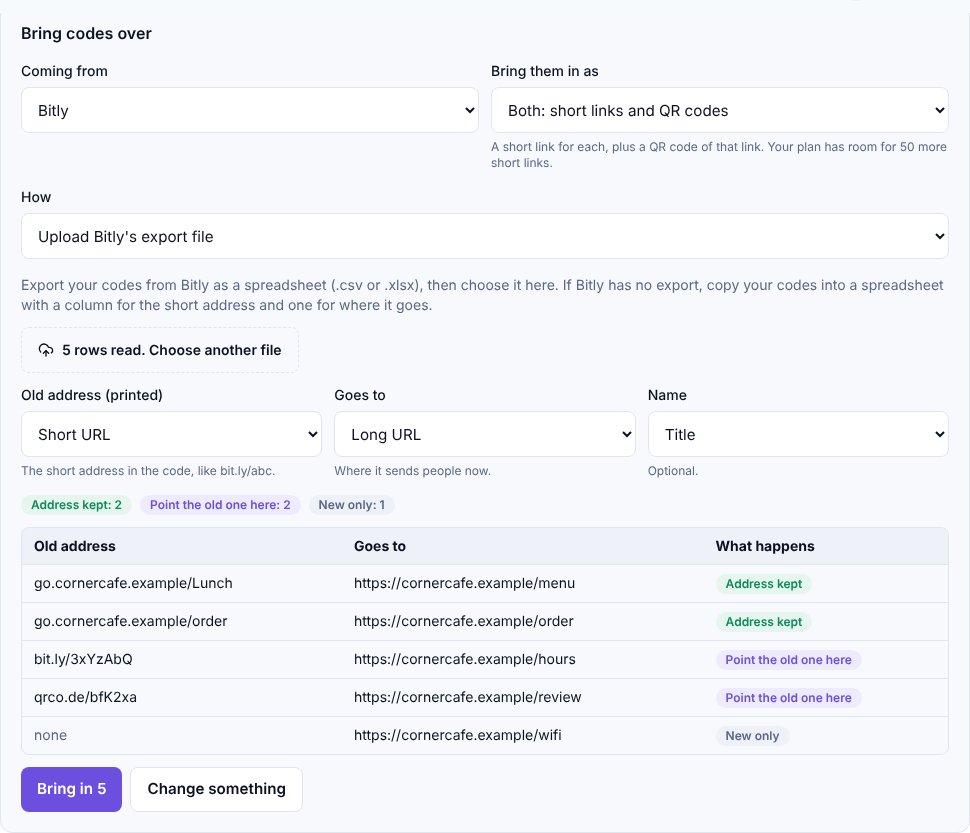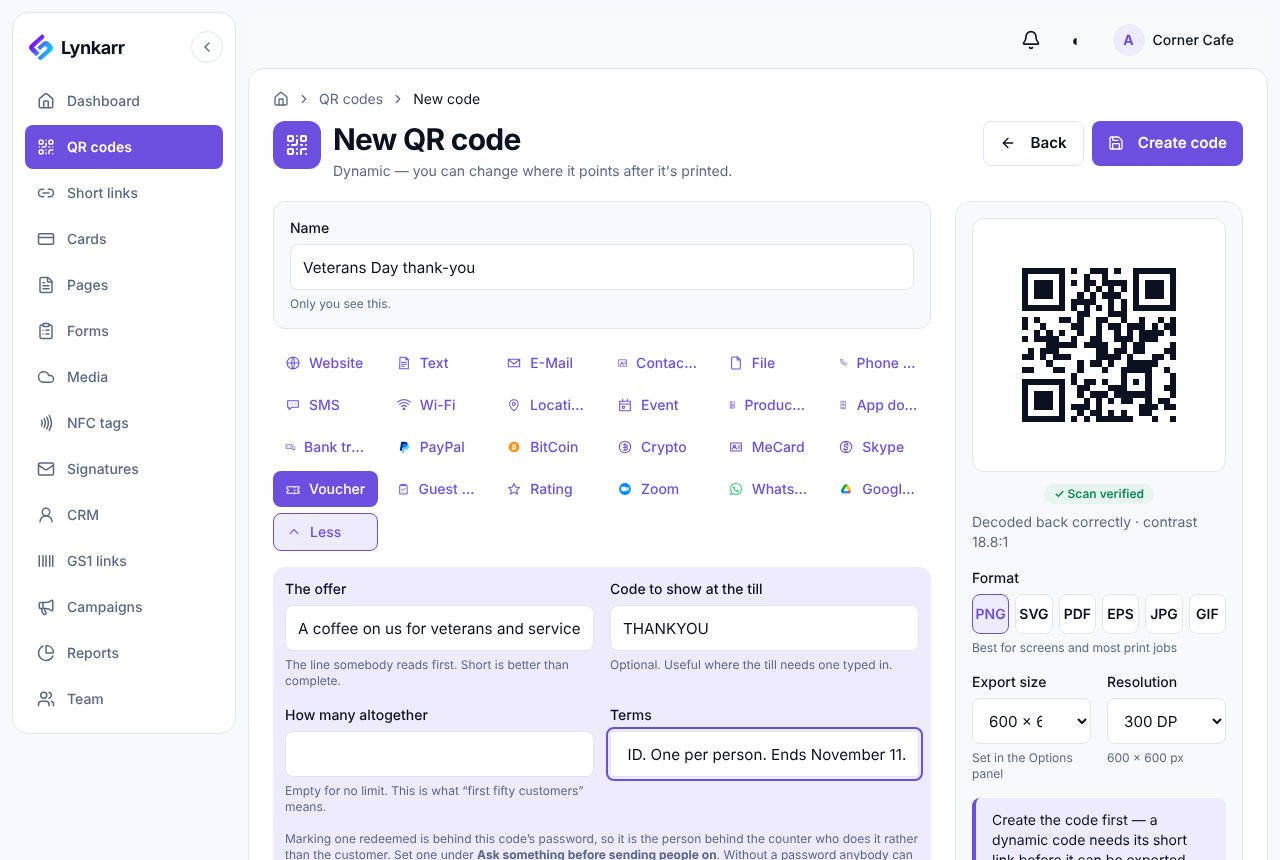
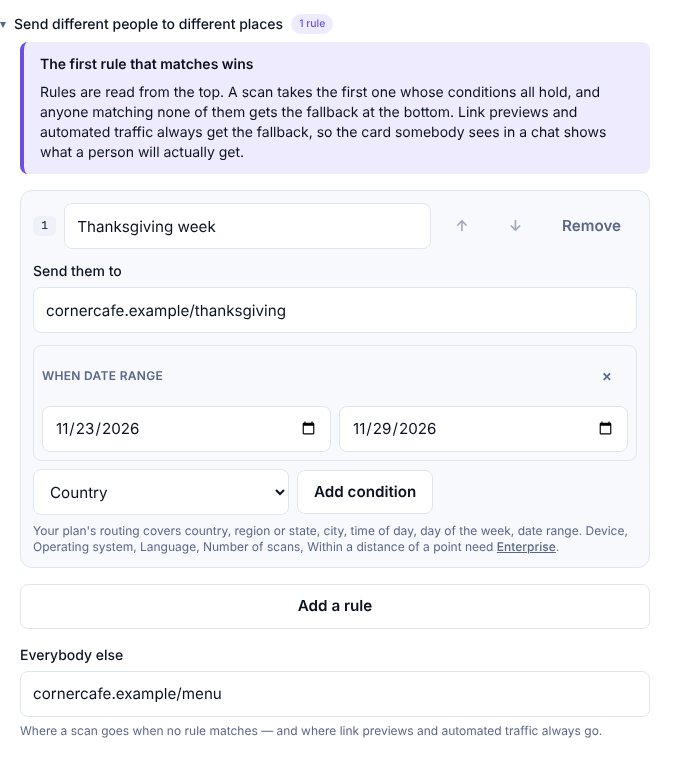
Say you run a café called Corner Cafe. There's a QR code on every table tent, on the takeaway bags and in the window, and it opens the menu. It's November. Thanksgiving is on the 26th, and you have a short holiday menu: a turkey plate, a pie of the day, and a pre-order page for people who'd rather not cook.
Now you have a small problem. You want the holiday menu in front of people this week. You do not want to print new table tents for five days of turkey, and you really don't want to be standing at the till on Friday morning, remembering to switch things back.
The code you already have can do this
A dynamic QR code doesn't contain your menu. It contains a short address, and that address decides where each scan goes. So the printed code never has to change, only the answer behind it.
There are two ways to use that, and which one is better depends on how much you trust yourself on a busy week.
The quick way: change it, then change it back
The simplest option is to open the code, point it at the holiday page on Monday, and point it back after the weekend. It works, and every printed copy follows. If you track results, analytics by destination (on Business and Enterprise) keeps the holiday page's scans apart from the everyday menu's, so you can see what the week really did.
The catch is the person. Somebody has to remember, and the Friday after a holiday is exactly when nobody does.
The calm way: tell it the dates once
Lynkarr's routing rules can pick a destination by date. You add one rule, "Thanksgiving week", give it a start and an end date, and say where those scans go. Everybody else goes to the everyday menu, which is what the code does the rest of the year.
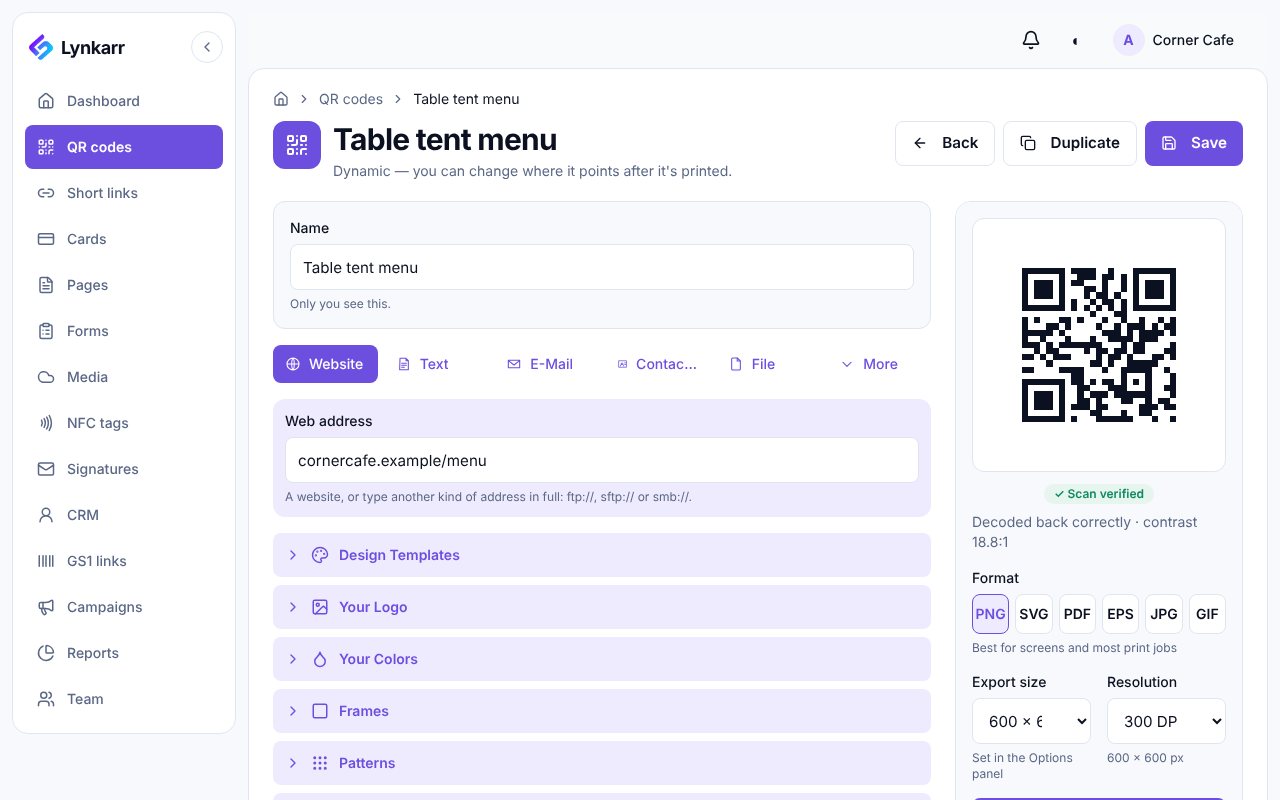
That's the whole trick. On the 23rd the table tents start showing the holiday page. After the 29th they show the everyday menu again, and nobody touched anything. If you want a second holiday, say a Christmas Eve menu, you add another rule above or below it.
Pre-orders, and when to stop taking them
A pre-order page is a different kind of problem: it should stop. Business plans can put an end date on a code, so after the cut-off people see a message of your choosing instead of an order form that nobody is going to fill. The help article covers what a visitor sees and where you can send them afterwards.
Pick the order-by date you can really keep. A page that says "ordering closed" on Tuesday is kinder than one that takes orders you can't fill.
The best holiday sign is the one you only have to print once.
Two small checks before you rely on it
We'd test it the way a guest would. Scan the printed code on your phone, then ask a friend on a different network to do the same. If your dates are near midnight, check the first and last day, because "this week" means different things to different people at 11pm.
And look at the fallback. Link previews, the little cards that appear when someone shares the link in a chat, always get the everyday menu rather than the rule, so the preview and the page will differ for a week. That's by design. It's just worth knowing before someone asks.
What we'd do
If this were our café, we'd make the holiday page first, send it to ourselves, and set the dates the Friday before. Then we'd leave the printed tents alone and use the quiet minutes on Thursday for something nicer, like the pie.
Scan figures here count scans and where they came from. They never say who scanned, so this is about which page worked, not about your guests.
If you'd like a second pair of eyes on how your codes are set up for the holidays, get in touch. Happy Thanksgiving to you and everyone at your tables.