
Videos › How-to
Connect Outlook to your booking page
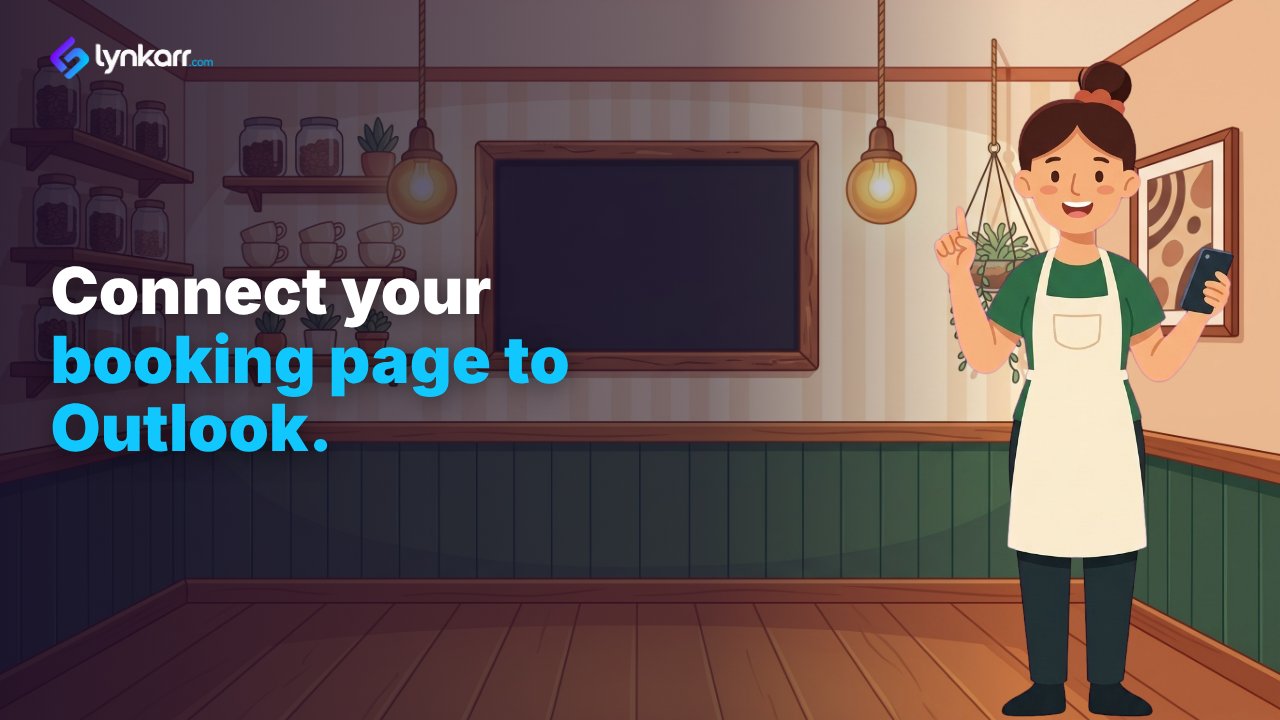
Make a meeting type for your booking link, then connect Microsoft 365 under Settings, Calendars. Scheduling is on Starter and above.
What the video says
Maria's booking page is up. But it can't see her Outlook calendar.
First she makes a meeting type, and her booking page gets its link.
Then, in Scheduling, she opens Settings, and chooses Calendars.
She presses Connect Microsoft 365, and signs in as a Microsoft 365 administrator.
She approves the permissions Microsoft shows. Microsoft 365 is connected.
Now times busy in her Outlook aren't offered, and new bookings land in it, with a Teams link for Teams meetings.
Set up your booking page, and connect Outlook.
Scheduling comes with Starter and above. See the plans at lynkarr.com.
More videos
 How to make your first QR code
How-to · 53 seconds
How to make your first QR code
How-to · 53 seconds
 How to design a QR code that still scans
How-to · 48 seconds
How to design a QR code that still scans
How-to · 48 seconds
 How to make a short link
How-to · 42 seconds
How to make a short link
How-to · 42 seconds
 How to build a digital business card
How-to · 51 seconds
How to build a digital business card
How-to · 51 seconds
 How to scan badges at an event
How-to · 48 seconds
How to scan badges at an event
How-to · 48 seconds
 How to build a landing page
How-to · 44 seconds
How to build a landing page
How-to · 44 seconds